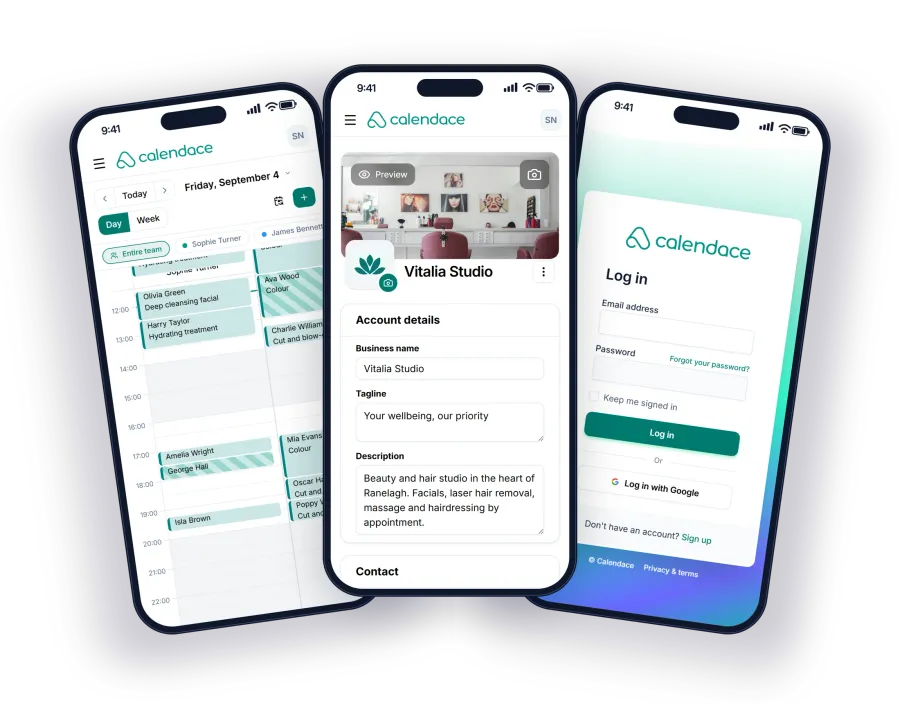
Blog · · 6min read
How to choose booking software for a small salon: ten questions before you sign up
Ten questions worth asking any appointment software before you put your clients into it, and Calendace's honest answer to each one, including the things it doesn't cover.
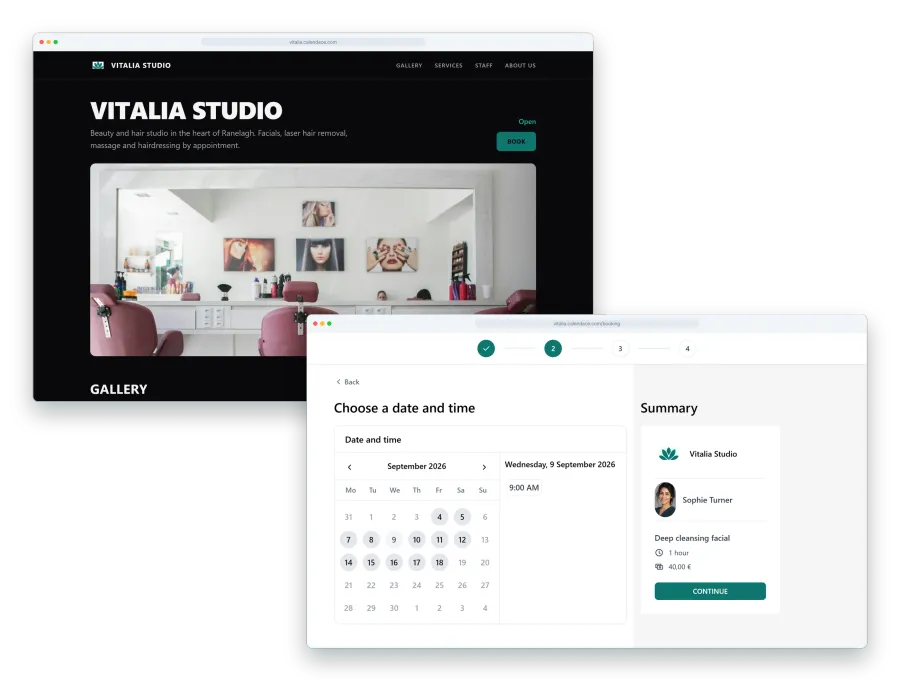
Switching booking software is a pain. You have to move your clients over, train the team, tell everyone the link has changed and put up with two weeks of “it won’t let me book”. So the decision is worth making once and well, and that’s exactly why most salons make it badly: they try the first one somebody shows them, it more or less works, and they stay.
These are the ten questions we would put to any programme before trusting it with our clients, with Calendace’s answer under each one, including the ones that don’t come out well. If you are comparing, ask the other option the same ten and put the answers side by side.
1. Whose client is it?
It’s the question almost nobody asks and the one that matters most. In a booking marketplace, the client who books with you is the platform’s client: the platform holds their record, sends them offers and shows them the salon next door when they look for a slot. You provide the chair.
Calendace: the client is yours. They book on your page, with your name and your link, and their record sits in your account. Calendace is not a marketplace and never shows your client to anyone else. Which also means it doesn’t bring you new clients: they find you through Google, Instagram or the QR code on the counter. If you want new customers sent your way, this isn’t the tool.
2. Commission or flat fee?
Twenty-five or thirty per cent of every new client’s first visit sounds like little until you multiply it. Say a salon picks up twelve new clients a month with an average service of €30: that’s €360 in first visits, and with a 30 % commission, €108 a month gone. More than the subscription of almost any programme.
Calendace: a flat fee and no commission, per appointment or per client. The Standard plan is €12.99 a month (€9.99 paid yearly) and Premium is €34.99 (€29.99 yearly), VAT not included. On the no-commission page the sums are worked out against Booksy and Treatwell.
3. Is there a minimum term?
If the software is good, it doesn’t need to tie you down. If it does, ask yourself why.
Calendace: no minimum term. Cancel whenever you like and, if it’s mid-month, the month is already paid and that’s that. For comparison: Treatwell requires twelve months; Booksy doesn’t.
4. Which messages does it send and through which channels?
“It sends reminders” isn’t enough. You need to know which ones, when and how, because that’s where the difference between a 10 % and a 4 % no-show rate lies.
Calendace: seven automatic messages: booking pending, confirmed, declined, cancelled, time changed, reminder before the appointment (with the lead time you choose) and a Google review request afterwards. Four channels: email (free on every plan), SMS and WhatsApp (paid plans, with credit packs) and notifications from the installed app (free and unlimited). You choose channel by channel and message by message. We explain when to use each channel in another article.
5. Can the client cancel on their own?
If cancelling means phoning, people don’t cancel: they don’t turn up. And a cancellation in time is a slot you can sell again; a no-show isn’t.
Calendace: the client cancels or changes from the link in the message itself, no account or password, within the deadline you set (24 hours, 48, whatever you like). Past that deadline they have to talk to you. In their record you see how many times they haven’t shown up, and you can block anyone who takes advantage.
6. Is there a waitlist?
It’s the difference between “sorry, nothing available” and “nothing available, I’ll let you know if something opens up”. For a full salon, it’s the feature that recovers the most money.
Calendace: yes, on Standard and Premium. The client joins from your page when there’s no slot (service, day, morning or afternoon, professional if they want). When a slot is freed, the first three by seniority are alerted; if nobody books within 30 minutes, the next three. Whoever gets an appointment leaves the list. We cover how it works and what it recovers with numbers.
7. Can you export your data?
One day you’ll want to leave, or make a backup, or send a Christmas greeting from somewhere else. If your clients can’t leave the software, they aren’t your clients.
Calendace: client export is on the Premium plan. On Standard you have each client’s history and notes inside the account, but not the bulk download. It’s one of the answers that isn’t a flat yes, and we’d rather say so.
8. Which languages is the booking page in?
In a town with tourists or a clientele from several countries, a page in one language leaves bookings on the table.
Calendace: the booking page comes in six languages and detects the visitor’s. You set up your services once and the client books in their own.
9. What happens when the team grows?
Software that works fine for one person can get expensive or awkward with four. Check the price of the second and third professional before you hire them.
Calendace: the Free plan is for one professional and one service. Standard goes up to three professionals and five services, with 600 bookings a month. Premium has no limits. There is no per-employee fee: going from one to three professionals doesn’t change the plan price. Booksy, for comparison, charges €8 a month for each additional staff member.
10. Can you try it without a card?
If seeing how it works requires a card, the “free trial” is a subscription with a warning that it’s about to start charging.
Calendace: the Free plan asks for no card and never expires: 20 bookings a month, 50 clients, a booking page and email notifications. When you create the account you also get 30 days of full Premium, again with no card, to try WhatsApp, SMS, the waitlist and the statistics on your real calendar. If you don’t want to pay when it ends, you drop down to Free and carry on.
What Calendace doesn’t do
To keep the list honest, three things you won’t find:
- Online payments. Calendace doesn’t take payment for you, nor handle deposits, card payments or packages. If you need to charge a deposit to book, you need another tool or to take it yourself.
- New clients. We said it in the first question: nobody is going to find you searching “hair salon near me” inside Calendace. They find you outside and book inside.
- Rooms or resources other than people. The calendar is per professional; if your constraint is rooms, it’s solved with hours and assigned services, as we explain in the article on treatment rooms.
How to use this list
Put them on a sheet with a column per programme and fill it in. They don’t all need to be a yes: the noes need to be on things you don’t care about. A two-chair salon with no tourists can live without six languages; one that needs to take deposits can’t live without online payments, and for it Calendace isn’t the answer. For everyone else, the plans and what each includes are on a single page, with no small print.