Blog · · 6min read
How to move your clients from a marketplace to your own booking page without losing them
Leaving Booksy or Treatwell overnight is the quickest way to lose clients. What to say at the front desk, on Instagram and in the reminder, how long to keep both running, and what to check in your contract first.
You’ve been on a marketplace for two or three years. It brought you clients at the start, nobody argues with that. But by now most of your bookings come from people who already came, who have you saved on their phone and who book through the app because that’s where they found you the first time. And you’re still paying for every one of those bookings, in a monthly fee, in commission, or both.
The temptation is to close the account on a Monday and put the new link on Instagram. That’s the quickest way to lose part of your client base: the part that opens the app, can’t find you, and books the salon next door, which is still there.
Leaving well is something else. It’s a move with notice, not a midnight flit, and it takes one or two months.
First: check what you signed
Every marketplace has its own terms, and they change. As of today (we checked on 5 September 2026), Booksy has no minimum term and Treatwell asks for a minimum of 12 months. If you’re on Treatwell and don’t know when your contract started, that’s the first call to make. There’s no point telling your clients you’re leaving if you then have to stay six more months paying.
In the meantime you can do everything else. Nothing below requires cancelling on day one. Quite the opposite: what works is keeping both running for a while.
The parallel plan
The idea is simple: your own booking page starts working today, the marketplace stays open, and for one or two months every client who walks through the door leaves with your new link. At the end of the period you look at how many bookings are still coming through the marketplace, and you decide.
Say a salon does 300 appointments a month, 240 from returning clients and 60 from new people. If within two months you move 80% of the returners to your page, that’s around 190 bookings a month that no longer go through the marketplace. The remaining 50 will take a bit longer, and the 60 new ones are a different conversation, further down.
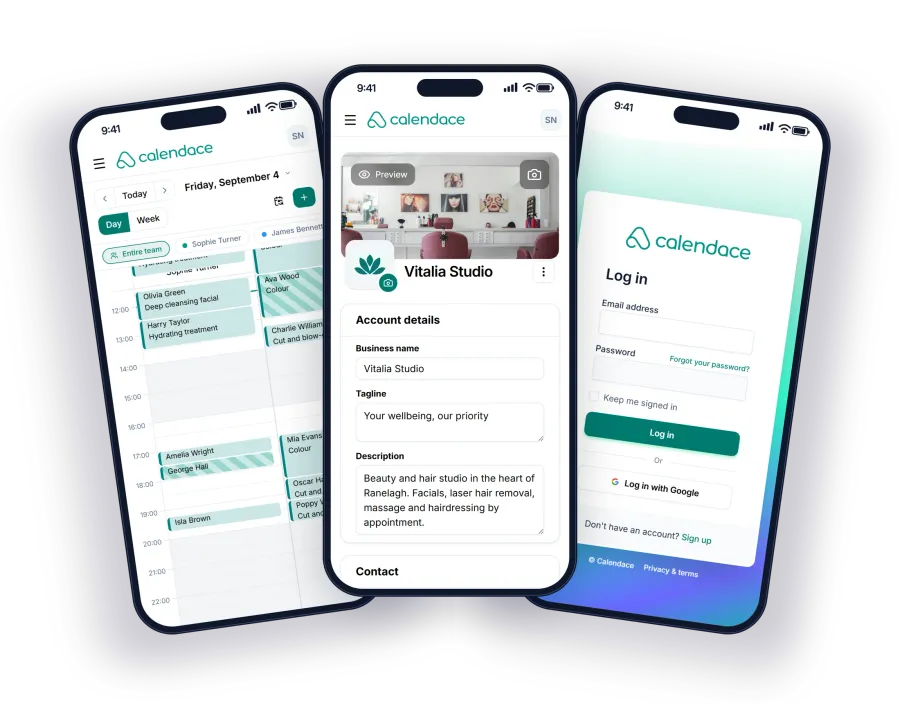
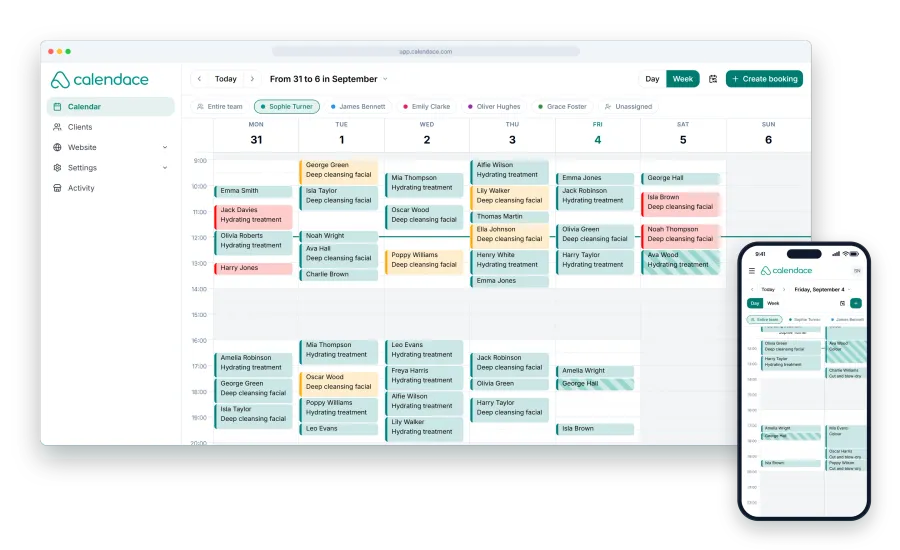
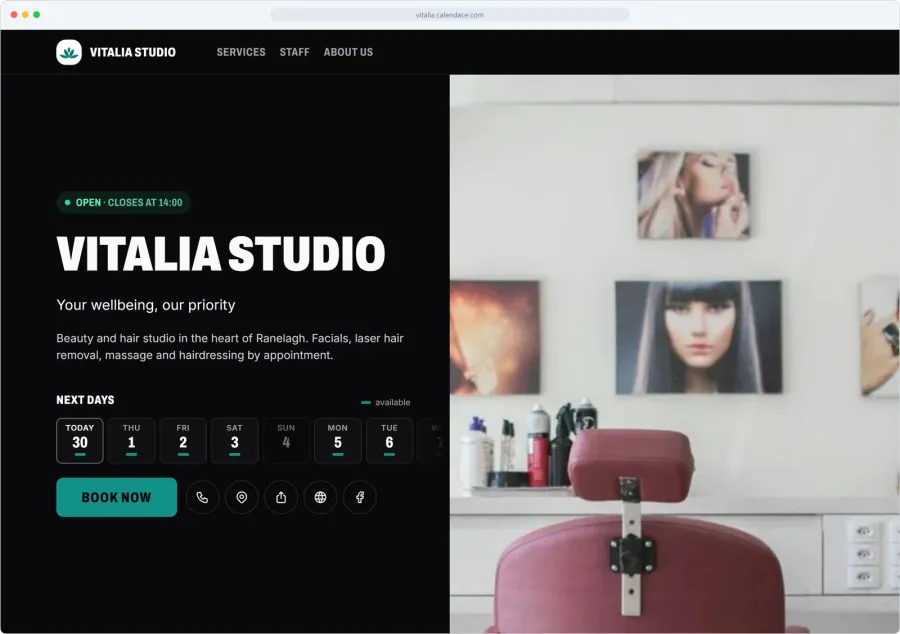
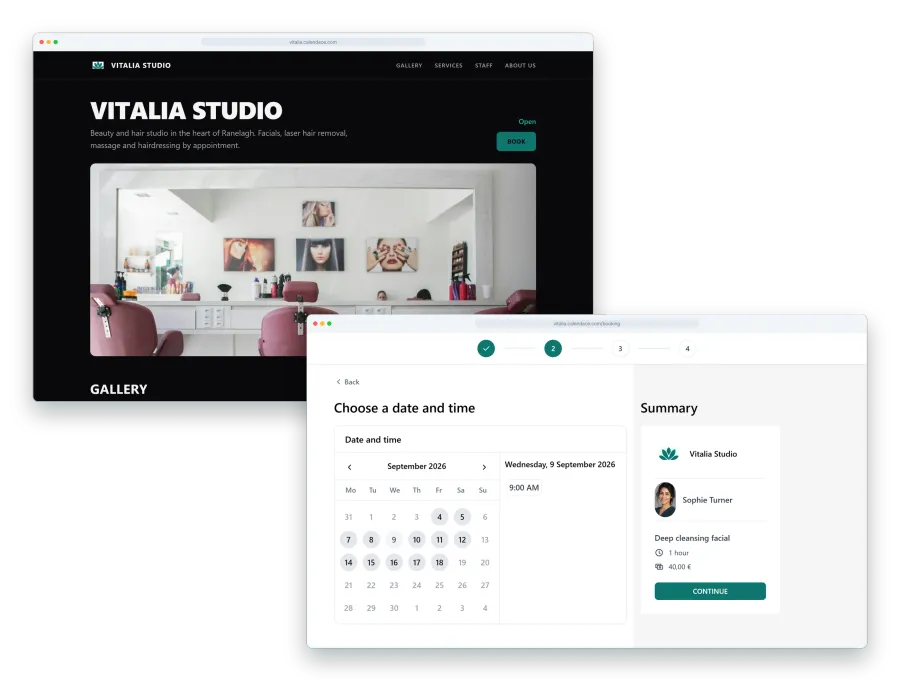
What you need to start is not much: the booking page set up with your services, hours and staff, the link, and the QR code printed. With Calendace the page takes an afternoon and the QR is downloaded from the dashboard. Here’s what it includes.
What to say at the front desk
The front desk is where you’ll move almost everyone. The client is right there, has just paid, is happy. That’s the moment.
No speech needed. One line at the till, always the same one so the whole team says it the same way:
“Next time, book from here. It’s our own page, so we don’t pay a commission on every appointment.”
And you point to the QR stuck on the counter or the mirror. Let them scan it right there while you take payment. If they already have the next appointment in mind, even better: they book it on your page on the spot and walk out with it done.
Mentioning the commission helps. People like the idea that the money stays in the salon, and they understand why you’re asking. No need to badmouth the marketplace or explain any further.
What to say on Instagram
Change the link in your bio on day one. It’s the first thing anyone coming from a post looks at, and if the link still goes to the marketplace, every new follower who books becomes a client you pay for.
After that, one story a week during the transition, nothing more. Something short:
“You can now book directly with us from the link in the bio. Same hours, same prices, and your slot is confirmed straight away.”
Don’t promise discounts for booking on the new page. If you teach people that switching gets rewarded, the next time you change anything they’ll expect the same.
What to say in the reminder
This is the part almost everyone skips, and it’s the one that reaches whoever isn’t coming into the salon this week. The booking confirmation and the day-before reminder are messages the client actually reads. They carry the link to your page, and that link is the one they’ll tap next time they want an appointment.
With Calendace, the link in the message takes the client into their client area with no password: they see their appointments, cancel if they need to, and book the next one on your page. If they also install your page as an app on their phone, they no longer have to look for anything: your icon sits on their home screen, right next to the marketplace’s. We explain how in the app for your clients.
For this to work with the clients who currently book through the marketplace, you need them in your own calendar. Every time one of them comes in, add them to Calendace with their phone and email. You give them the next appointment from there, and the reminder reaches them with your link already in it.
Which clients to leave on the marketplace
Not every client is worth the effort of moving, and not all of them will move.
The ones who come once and don’t return. Tourists, people passing through, someone who needed an urgent slot near the office. They book through the marketplace because that’s where they search, and they won’t save your link. Leave them there. If the marketplace charges commission only on new clients and 0% on repeat bookings, as Treatwell does, that commission is the price of having found them and there’s nothing more to it.
The ones who come every three or four weeks. These are the ones to move, and the easiest to move, because you see them often and the front-desk line gets repeated until it sticks.
The ones who come twice a year. They’ll move if a reminder with your link reaches them; if not, they’ll keep looking for you where they found you. Not worth chasing.
At the end of the period, it’s a numbers decision. If the marketplace still brings you new clients that justify what you pay, you can stay on it for that alone. If all it brings is your own clients coming back, it’s no longer doing anything for you. Worth being clear about: Calendace won’t bring you new clients. They find you on Google, on Instagram or through your QR. What it does is let the ones you already have book with you at no cost per appointment. We compare the two situations in Calendace vs Booksy and Calendace vs Treatwell.
Checklist
- End date of the minimum term, if there is one.
- Booking page set up: services, prices, hours, staff.
- QR printed at the front desk and at every station.
- Front-desk line agreed with the whole team.
- Instagram bio link changed.
- Every client who comes in, added to your calendar with phone and email.
- Confirmation and reminder switched on.
- After two months: count the bookings coming through each channel, and decide.