Blog · · 6min read
A QR code at the counter so clients book their next appointment before they leave
The "I'll message you" at the till turns into three months without a visit. Where to place the QR code, what to write next to it, how to make it a team habit and how it's generated in Calendace.
The client gets up from the chair happy, pays, and on the way out says “I’ll message you for the next one”. And they do, but in ten weeks instead of four, or when their hair looks odd in a photo. In between, two appointments that never existed.
The best moment to book the next appointment is before the client walks out the door. They still have the result in the mirror, they know how long it lasts, and they have their phone in hand to pay. The QR code at the counter is there so that moment doesn’t depend on someone remembering to ask.
What bringing an appointment forward is worth
Let’s do the maths for a barber working alone. Say he has 100 regulars who come, on average, every six weeks. That’s about 870 visits a year. If booking on the way out shortens the gap to five weeks, which is what many of them would want anyway, it comes to about 1,040 visits. That’s 170 more cuts a year, which at €15 is €2,550, with the same clients and the same chair.
Not everyone has to do it. If just one in three does, the figure is still several hundred euros a year for a sign that costs as much as a laminated sheet.
Where to put it
A QR code works when it’s at eye level, well lit and less than a metre from whoever is going to scan it. That rules out the back wall and the shop window.
- Next to the card reader. This is the main spot. The client already has their phone out and is looking right there. A small desktop stand or a sticker on the counter itself.
- On the mirror. A small sticker in the bottom corner, at the eye level of someone sitting down. While the hair is being dried or the cape comes off, the client spends two minutes looking exactly there.
- On whatever they take home. In a tattoo studio, on the aftercare sheet. In a physiotherapy clinic, on the exercise sheet. In a salon, on the card that goes in the product bag. That’s the QR code that works the following week.
One QR code in each place, all pointing to the same link. You don’t need a different one per professional: on the page the client picks who they want, or asks for “the first available”.
What to write next to the QR code
“Scan me” says nothing. The text has to say what happens when you scan and why to do it now. A template that fits on a postcard-sized sign:
See you in four weeks? Scan and pick your own day and time. No calls, no waiting. [QR] bookings.yourbusiness.com
Three details matter. The timeframe (“four weeks”, “six weeks”, “when the roots show”) gives the client a reference; without it, they put it off. The words “pick your own” take away the feeling of commitment. And the address written under the code is for whoever can’t scan or would rather type it later.
If you get clients from abroad, there’s no need to translate the sign: the booking page opens in the language of the visitor’s phone.
Making it a team habit
The sign on its own isn’t enough. What actually moves the number is the line at the till, and it has to be the same every time:
“Shall I get your next one in the diary? Scan here and pick the time, or I’ll put it in for you right now.”
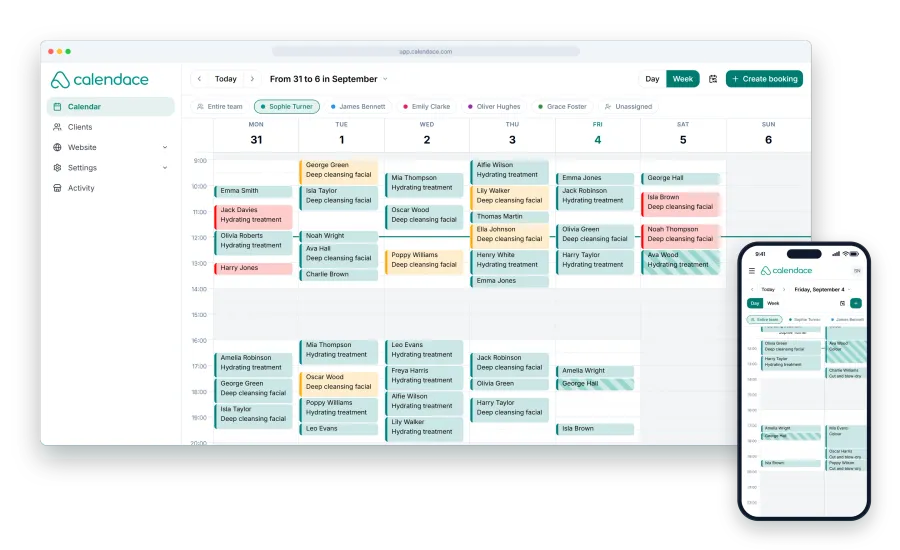
Two options, neither of which is “no”. Whoever prefers it done for them gets it entered in the dashboard in twenty seconds. Whoever prefers to check their calendar in peace scans and books it in the car. Both end up in the schedule with the confirmation notice and the reminder before the appointment.
To make it stick, three rules:
- Whoever takes the payment asks. It’s not the job of the person who did the cut, it’s the job of whoever is at the counter at that moment. That way nobody assumes someone else did it.
- Count it for two weeks. A tally mark on a sheet next to the card reader every time a client books on the way out. Without measuring, the line stops being said after four days. With twenty marks in plain sight, it becomes a small team challenge.
- Say it even when there’s no slot. If the client wants to come back on a Saturday in four weeks and it’s already full, they join the waitlist from the same QR code. Whatever slot opens up reaches them before anyone else.
What happens after the first scan
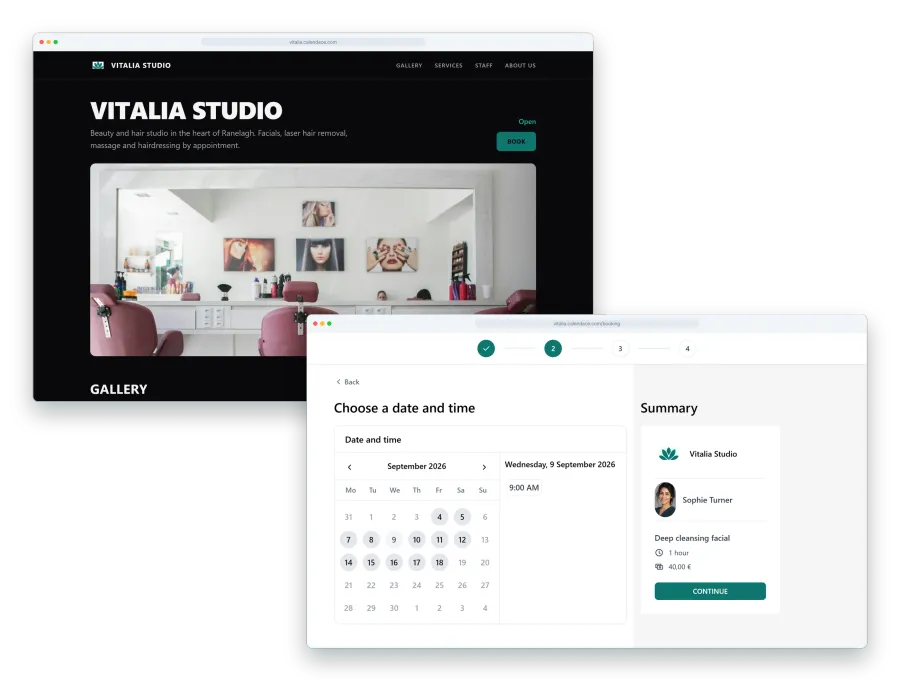
The first time, the client scans, picks the service, the professional, the day and the time, and enters their details. The second time, the QR code is no longer needed. Their browser offers to install the page as an app on the home screen, with your name and your icon, and from there they go into the client area: they see their upcoming appointments, their history, and book the next one without searching for anything.
That’s why the QR code at the counter isn’t just for the next appointment. It’s the door through which a client who used to book by phone starts booking on their own, for good.
How it’s generated in Calendace
The QR code is included in the Standard and Premium plans. In the dashboard, next to the link to your booking page, the QR code is ready to download and print. It always points to your page, so if you change services, prices or photos there’s no need to reprint it.
On the Premium plan you can also have your own subdomain, and that’s the address worth writing under the code: shorter and with your name on it. Prices for each plan are on the pricing page.
Checklist
- QR code next to the card reader, on a stand or as a sticker.
- Sticker with the QR code in the bottom corner of every mirror.
- QR code on the aftercare sheet, card or bag the client takes home.
- Sign with a timeframe, “pick your own” and the written address.
- Agreed line at the till, always the same.
- Tally sheet next to the card reader for two weeks.
- Waitlist switched on for when there’s no slot.
If you run a barbershop, the sum above is your sum: this is how barbershops use Calendace. For other trades, change the timeframe on the sign and little else.