Blog · · 6min read
Beauty centre with several treatment rooms: how to organise the calendar so online booking never overlaps
Two clients at the same time for the same room is the failure everyone fears when opening online booking. How to avoid it with per-professional hours, assigned services, real durations and the right time grid.
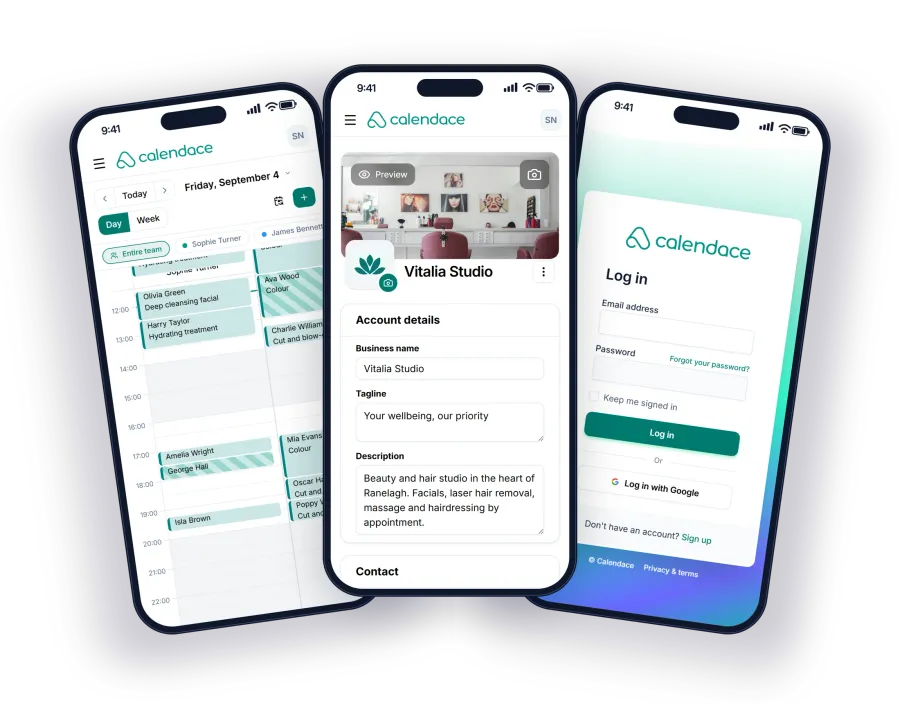
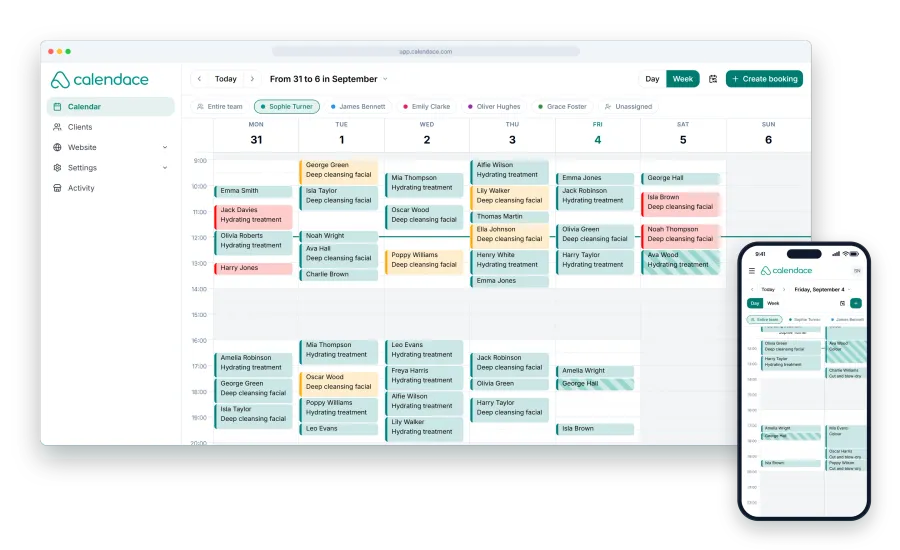
The fear almost every beauty centre has before opening online booking is the same: that the system gives two clients the same time when only one room is free. At the front desk that doesn’t happen because whoever writes the appointment down looks at the whole calendar. Online, the system looks at the calendar, and it only sees what you have told it.
The good news is that the overlap is almost never caused by the system. It’s caused by a setup that doesn’t describe how the centre actually works. And fixing that takes an afternoon.
First: which is the bottleneck, the room or the person
Before changing anything, answer one question: in your centre, what runs out first, rooms or hands?
With three beauticians and three rooms, the limit is people: there will never be more treatments at once than professionals. With three beauticians and two rooms, the limit is the rooms, and that has to be taken into account. With two beauticians and four rooms, the rooms are in surplus.
Calendace has no “room” resource that gets booked separately. What it has is professionals, each with their own hours, services and calendar, and that covers all three cases.
Each professional with their real hours
The first mistake we see is a single set of opening hours for the whole centre, Monday to Saturday ten to eight, with every professional inside it. That way the system believes Laura, who only works afternoons, can see someone at eleven in the morning.
In Calendace each professional has their own hours, with a split shift if they need one, and their holidays kept separately. When the client picks Laura, they only see afternoons. When they pick “first available”, the system only offers times when someone is actually working.
If you have more professionals than rooms, this is where you fix it: adjust the hours so that at no point are there more active professionals than rooms. With two rooms and three beauticians, one on mornings, one on afternoons and one full day already adds up, without the system needing to know what a room is. It’s the simplest method and the one that fails least.
Each service, only to whoever can do it
The second mistake is having every service assigned to everyone. Then the system gives a laser hair removal to someone not trained in laser, or a facial with equipment to the professional working in the room that doesn’t have the machine.
In Calendace each service is assigned to the professionals who perform it. If the radiofrequency machine sits in one room and only Marta uses it, the “Radiofrequency facial” service is assigned to Marta alone. That way the room with the machine is “reserved” through the person who uses it, without existing as a resource.
This is the practical way to turn rooms into professionals when a room is special: each room with specific equipment corresponds to one professional, and that equipment’s services are assigned only to them. If two people take turns in that room, they take turns in the hours too, so they never coincide.
The real duration, cleaning included
The third mistake is the most common and the one that produces the most overlaps: giving the service the length of the treatment, not the time the room is occupied.
A 45-minute facial is not 45 minutes. It’s 45 of treatment, five of settling the client in and taking payment, and ten of changing sheets, disinfecting and airing the room. If the service is 45 in the system, the next client walks in while the previous one is still getting dressed.
The rule: the service duration is the time from when the room stops being free to when it is free again. An example with a short list:
| Service | Treatment | Prep and cleaning | Duration in the system |
|---|---|---|---|
| Deep-cleansing facial | 50 min | 10 min | 60 min |
| Half-leg wax | 20 min | 10 min | 30 min |
| Gel manicure | 40 min | 5 min | 45 min |
| Body massage | 50 min | 10 min | 60 min |
On the Standard plan you can have up to five services; on Premium, as many as you like. If you have many similar treatments, group them by real duration (“Facial 60 min”, “Waxing 30 min”) and spell out what each includes in the description.
The grid: 15, 30 or 60 minutes
The grid is how often appointments can start on your booking page. With a 30-minute grid, the client sees ten, half past ten, eleven. With a 15-minute grid, they also see quarter past ten and quarter to eleven.
For a beauty centre with 30, 45 and 60-minute services, the 15-minute grid leaves the fewest dead gaps: a 45-minute service starting at ten finishes at quarter to eleven and the next can start right there. With a 30-minute grid, that quarter-to-eleven slot doesn’t exist and the next one starts at eleven: fifteen minutes lost on every 45-minute appointment.
In exchange, the 15-minute grid can leave 15-minute gaps nothing fits into. If all your services are 30 or 60 minutes, stick with 30. If you have 45-minute services, 15 pays off.
”First available” spreads the load
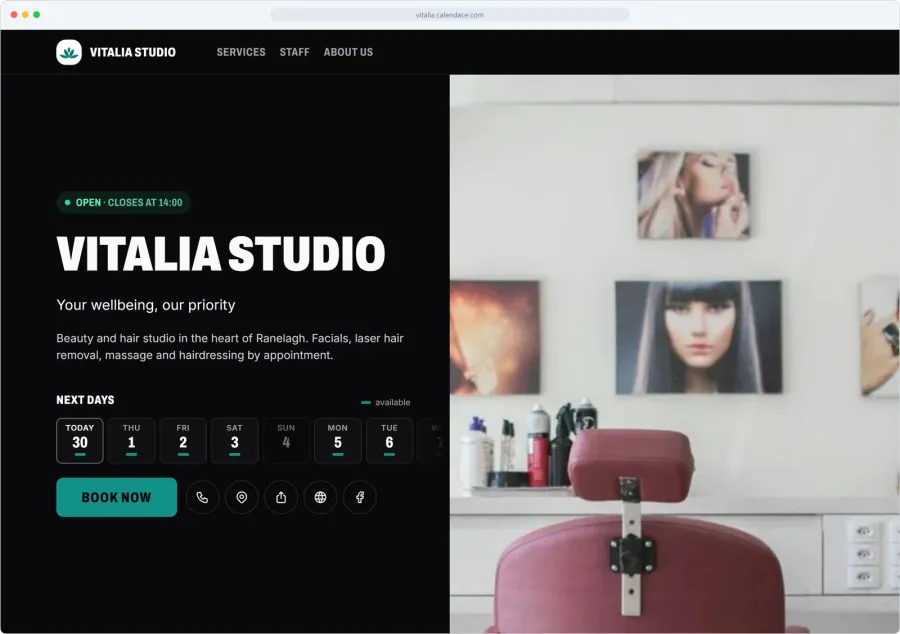
When the client books, they pick a professional or tick “first available”. This option is what helps most to fill the calendar without overlaps: the system checks who can do that service, who is working at that time and who has the slot, and assigns the appointment.
For it to work well it needs the three things above: real hours, properly assigned services and durations with cleaning time. With those three, “first available” never puts two people in the same room, because each professional sees one client at a time and occupies their own room.
If you have clients loyal to a particular beautician, let them choose. “First available” is for those who come for the treatment, not the person, and they tend to be the ones who fill up the mornings.
Checklist before opening online booking
- Does each professional have their own hours, with split shifts and holidays?
- Is there no time slot with more active professionals than available rooms?
- Is each service assigned only to whoever really performs it?
- Are services that need a machine assigned only to the professional in that room?
- Does each service duration include prep and cleaning?
- Does the grid (15 or 30) match your service durations?
- Have you made three test bookings from your phone, one with “first available”, and checked the calendar?
If you answer yes to all seven, online booking won’t overlap anything you weren’t already overlapping by hand. And if the centre grows, the Standard plan allows three professionals and Premium as many as you need; you can see the plans and how other beauty centres set it up. Once the calendar is full, the next step is the waitlist, so cancelled slots fill themselves.